

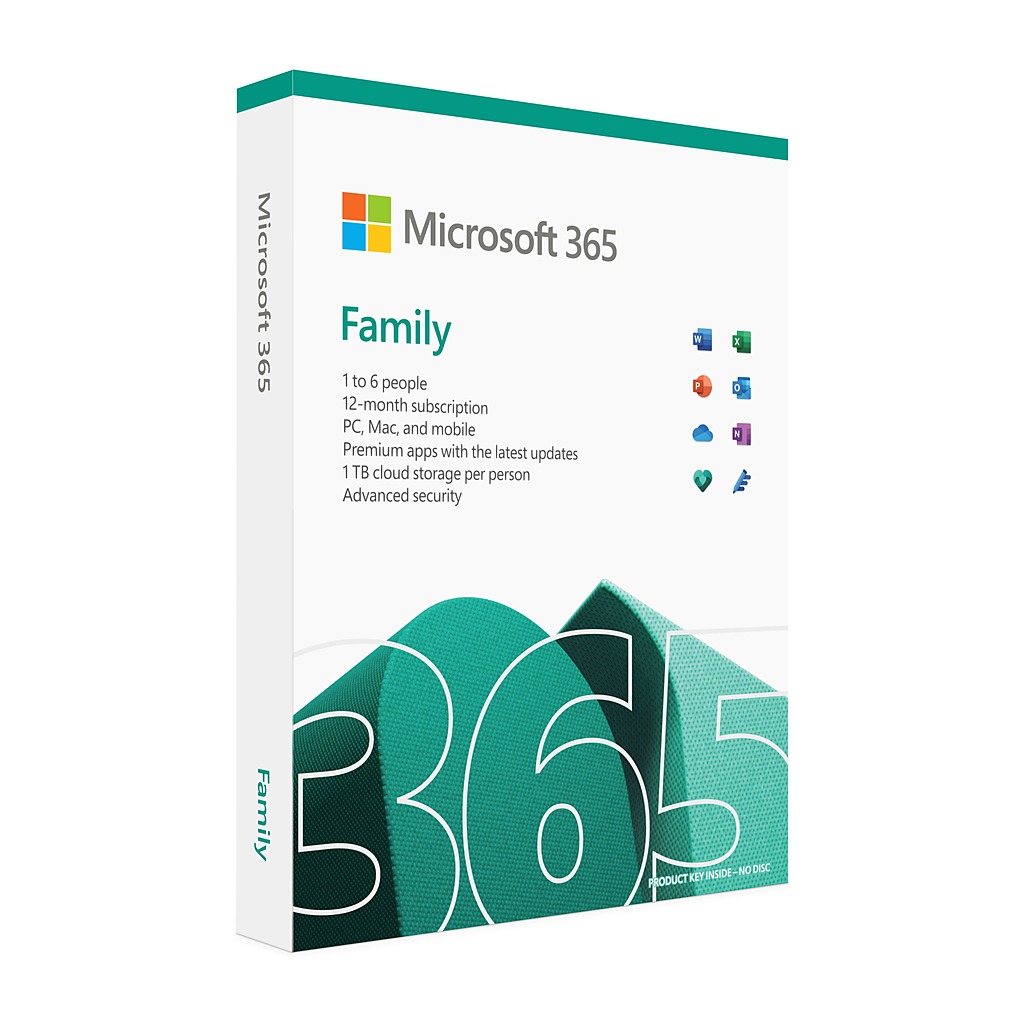
Productivity Sync Service (M365)
- Premium Profile Activation:100% verified retail-grade digital activation for individual users
- 5 Devices Simultaneously: Access fully synchronizes across Windows, macOS, iOS, and Android
- 1 TB Private OneDrive Cloud: Independent cloud storage with absolute data isolation and privacy
- Premium Applications Included: Full unrestricted access to standard desktop Word, Excel, and PowerPoint
- One-Time Pre-paid Fee: Strictly a fixed payment with zero hidden charges or auto-renewals
- 1-Year Support Framework
365K-CWS-STD-1Y
$59.98$29.99$2.50/Month - One-Time Fixed Fee - 3-Year Support Framework
365K-CWS-EXT-3Y
$119.98$59.99$1.67/Month - Extended Volume Savings - 5-Year Support Framework
365K-CWS-ELT-5Y
$159.98$79.99$16.00/Year - Ultimate Value Choice
DESCRIPTION
Microsoft 365 Personal Digital Subscription – Multi-Year Framework
Premium Microsoft 365 Personal digital subscription brought to you by 365 Key. This legitimate retail-grade digital activation framework allows one individual user to seamlessly experience premium productivity applications securely and fully, upgrading your workspace capabilities instantly with maximum official auto-update support.
What’s Included
Full desktop and mobile application access compatible with Word, Excel, PowerPoint, OneNote, Outlook, Access (Windows only), OneDrive (1 TB secure personal cloud storage allocation), and Microsoft Teams.
Supported Platforms
- Operating Systems: Fully supported on Windows 10 / Windows 11 (64-bit), macOS 14 (Sonoma), macOS 15 (Sequoia), and the latest macOS 26 (Tahoe).
- Mobile: Fully compatible with standard iOS and Android devices
Why Choose 365 Key?
All digital subscription allocations are provisioned through 365 Key’s independent volume procurement channels. By leveraging volume procurement agreements and institutional partnerships, we pass the structural cost savings directly on to you — giving you premium utilities at a fraction of the regular retail cost.
Activation Steps
- - Receive Deployment Link: A secure digital subscription assignment and setup link will be sent to your registered email within 24 hours.
- - Link Your Account: Click the unique secure link and follow the guided setup using your personal account profile. No passwords or sensitive credentials are required.
- - Verify Account Status: If your profile is already associated with another active management framework, please ensure it is cleared or contact our support helpdesk before clicking the new assignment parameters.
- - Download Official Apps: Log in to your official account management dashboard (microsoft.com) to download and deploy the latest premium software.
- - Multi-Device Sync: Install the environment on up to 5 devices simultaneously, initialize your 1 TB secure OneDrive storage, and work with total privacy.
Fixed‑Term Access – No Hidden Costs
- Pre-paid License: Automated billing renewals are permanently disabled at the administrative infrastructure level.
- Zero Recurring Charges: All fees are strictly one-time only. There are no hidden fees, subscriptions, or surprise billing charges.
- Transparent Expiration: Your digital access ends naturally when your chosen support term (12, 36, or 60 months) concludes with zero future obligations.
- Complete Freedom: No complex cancellation process, no credit card required on file, and zero lock-in commitments.
Multi-Year Framework Explained
Extended (36-month) and long-term (60-month) digital subscriptions are fully backed by pre-arranged enterprise volume procurement frameworks. At each 12-month milestone, our automated backend infrastructure seamlessly applies the required system extension parameters to your personal profile, ensuring uninterrupted application uptime and data synchronization for the entire duration of your selected plan.
System Requirements
| OS | Windows 10 / Windows 11 (64-bit), macOS 14 (Sonoma), macOS 15 (Sequoia), or the latest macOS 26 (Tahoe) |
|---|---|
| CPU | Intel i5/i7, AMD Ryzen, or Apple M-series Silicon (Minimum 1.6 GHz dual-core; 3.0 GHz or higher recommended). |
| RAM | 4 GB RAM minimum (8 GB RAM recommended for premium multitasking). |
| GPU | DirectX 11 or higher capable graphics hardware recommended. |
| Disk Space | 10 GB of available hard disk space (Solid State Drive (SSD) strongly recommended for smooth OneDrive synchronization). |
How is this subscription delivered?
This package provides a secure, digital subscription assignment framework tailored for individual end-users. Upon successful billing confirmation, our automated system dispatches an official digital setup credential and sync deployment link directly to your email. It allows you to legally bind the premium utilities to your personal account profile without utilizing conventional physical boxed media.
Can I deploy this productivity suite on multiple devices?
Yes. Once your personal profile integration is complete, you can legally run and sign in to the standard productivity applications on up to five devices simultaneously. The environment offers full cross-platform compatibility across Windows, macOS, iOS, and Android ecosystems.
Will the software receive official system updates?
Absolutely. All configured applications operate fully within the official cloud ecosystem. Your installed desktop and mobile suites will automatically receive the latest performance features, critical security patches, and official version upgrades directly from the developer's cloud update infrastructure.
Who provides technical support for this plan?
365 Key provides comprehensive independent technical after-sales support, guiding you through delivery, initial profile setup, and multi-year extension configurations. Additionally, because your workspace operates genuinely within the standard ecosystem, you maintain full access to all official user documentation, help center resources, and public community forums.
Should I remove my existing office software before installation?
To prevent potential system file conflicts or license overlaps, we strongly recommend completely uninstalling any older, trial, or legacy perpetual versions of office software from your device before launching your newly deployed digital subscription environment.
What is included with this product subscription?
Upon successful payment confirmation, you will receive the specific standard Microsoft 365 Personal digital subscription option selected in your purchase variants. Our automated distribution system will immediately dispatch your secure digital account setup credential, profile assignment link, and comprehensive deployment instructions directly to your registered email address.
Is this delivered digitally?
Yes. This is a 100% electronic digital software fulfillment service. To ensure smooth delivery and profile setup, please double-check that you provide a valid email address at checkout, as all secure activation setup credentials and sync deployment parameters are dispatched exclusively to that inbox.
When will I receive my order?
All digital software subscriptions include fast, electronic delivery. Once your billing transaction is securely verified and processed, your official deployment email containing the activation assignment details will be successfully dispatched to your inbox within 24 hours. Please remember to check your spam, junk, or promotions folders if it does not appear within this timeframe.
Are there any regional or system requirements?
Yes. This digital software subscription framework is fully optimized for activation and environment integration for personal user profiles within the United States, Canada, United Kingdom, and Australia, with full customer care and documentation provided in English. To ensure a seamless installation, your personal account profile must be clear of any conflicting account configurations or legacy license overlaps prior to launching our secure deployment link.
Can I download future updates?
Absolutely. You maintain complete and unrestricted access to download and install the latest Premium application versions directly from the developer's official cloud portal (microsoft.com). All subsequent feature upgrades, critical security patches, and platform updates are delivered straight from the cloud infrastructure, guaranteeing 100% genuine user capabilities.
What should I do if I need technical assistance after purchasing?
365 Key provides comprehensive after-sales technical support for your environment deployment. If you have any ongoing inquiries regarding order details, profile integration, or license duration alignment during your term, please contact our online customer support helpdesk with your order reference number and checkout email address. We are available 24/7 to ensure maximum application uptime and data synchronization.